

Voxel Blast Jam Walkthrough – All Levels
Match the edge. Open the next color.
Independent fan-made guides. Not affiliated with the game developer.
Browse levels
Game screenshots
About the game
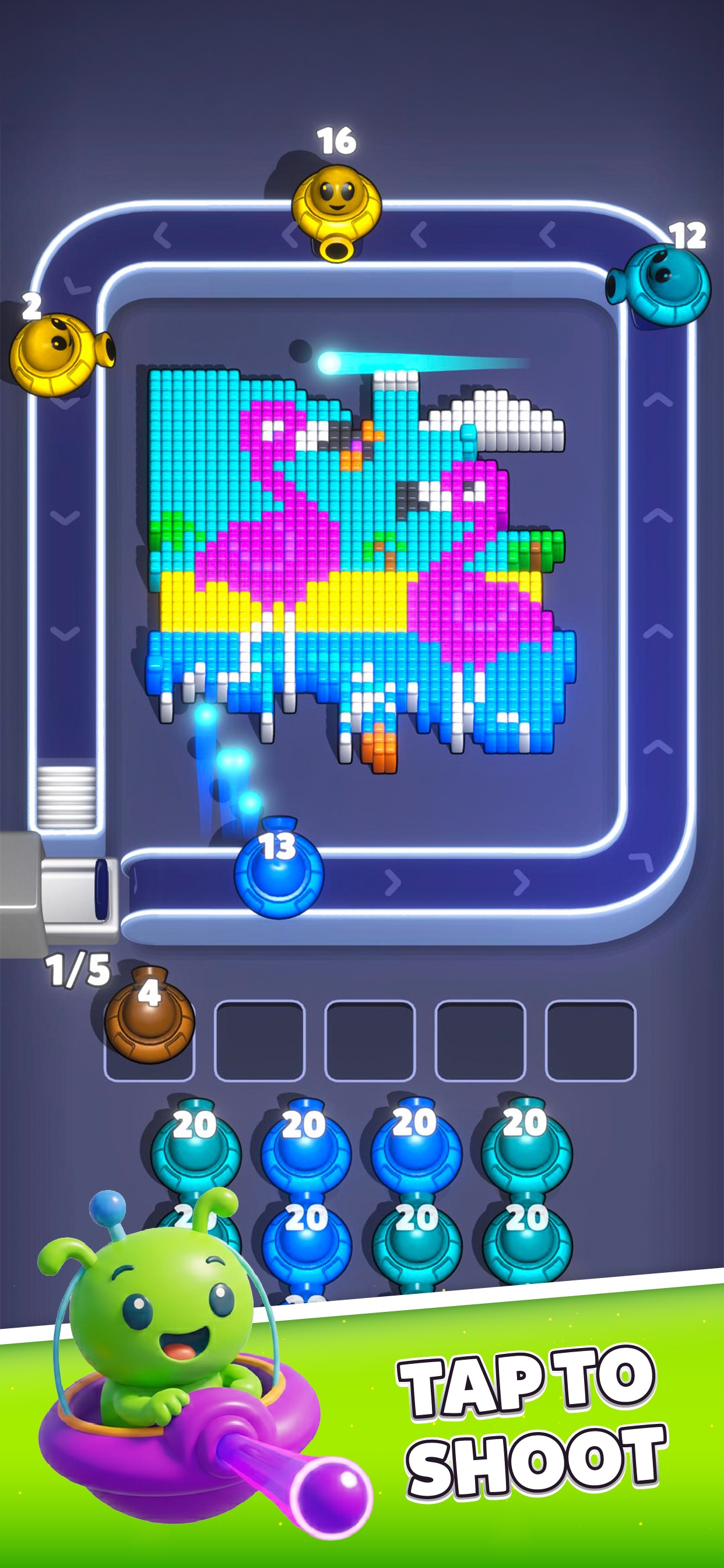
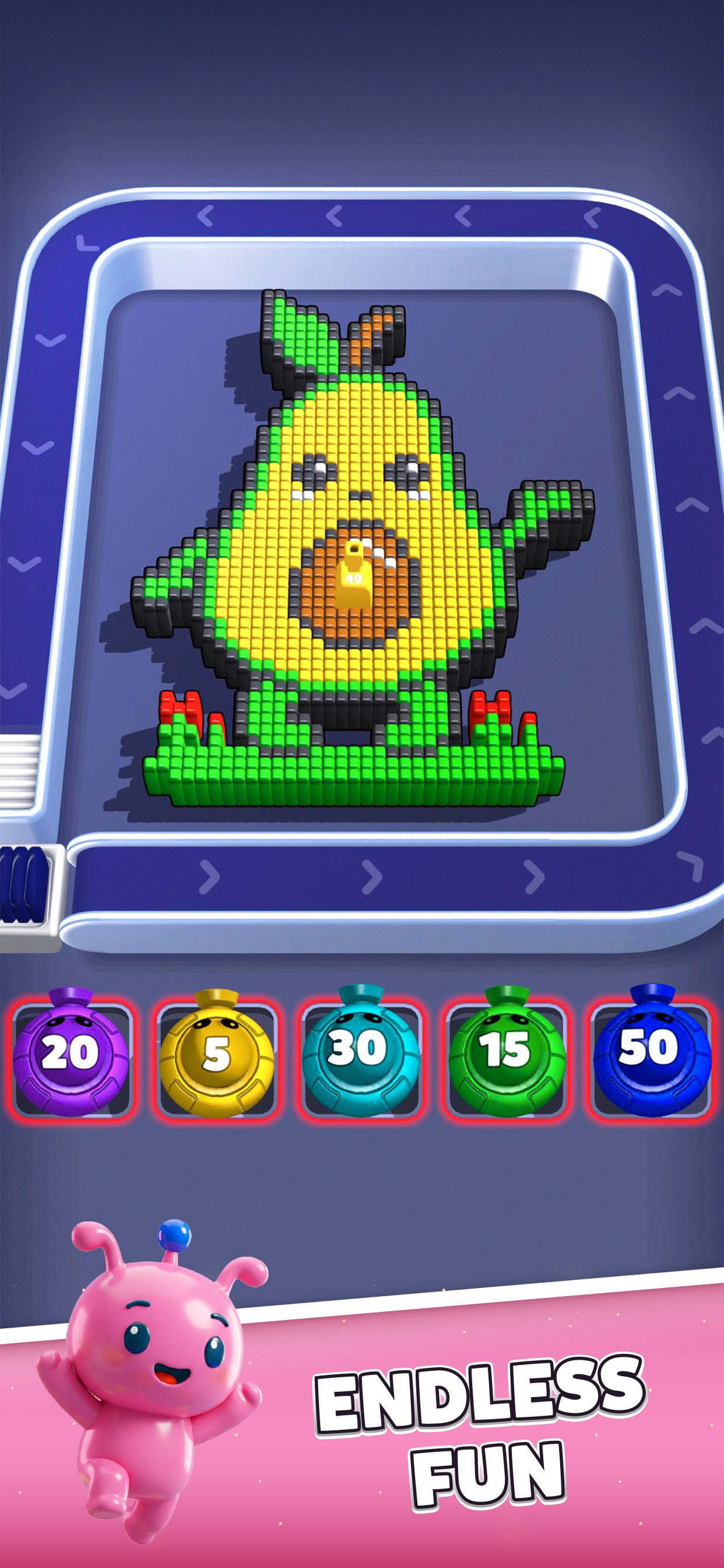
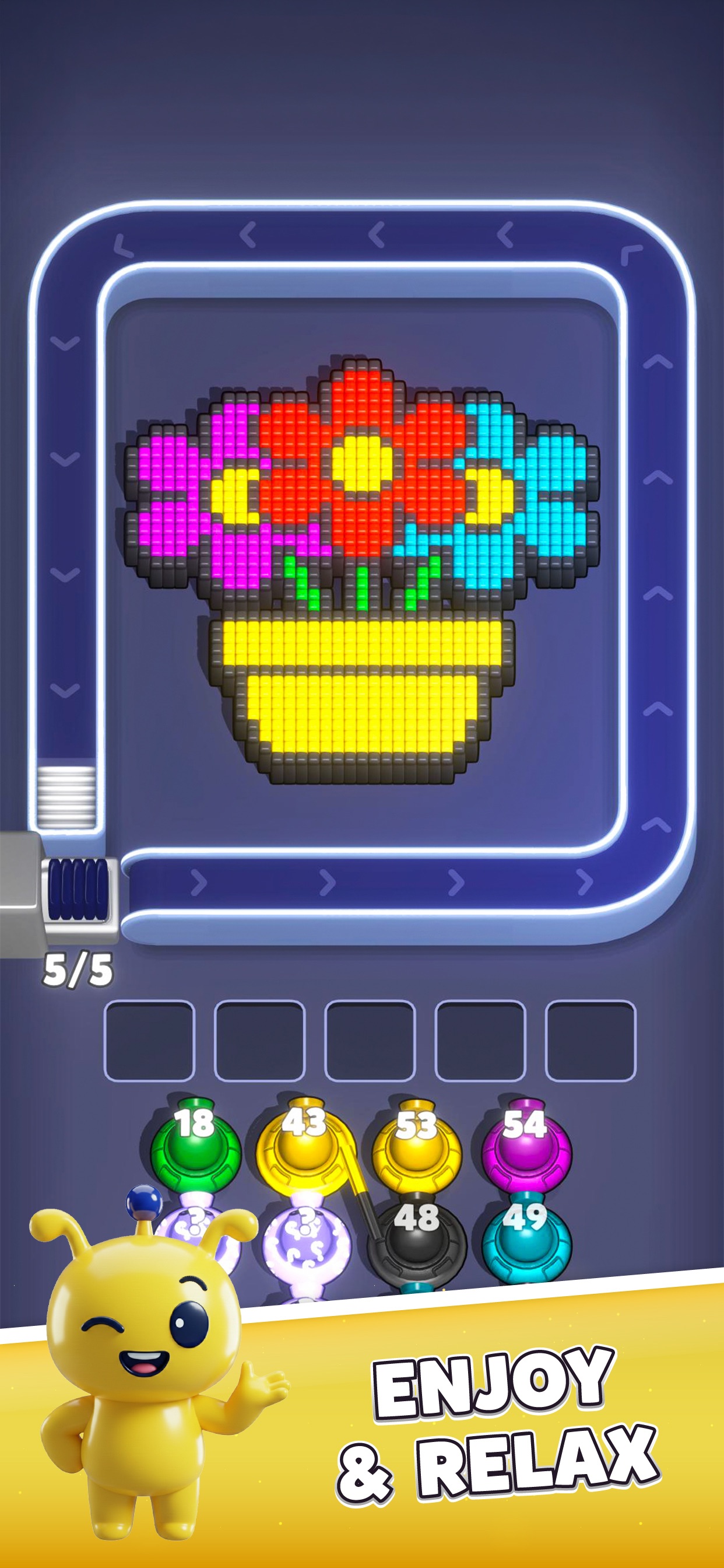
Voxel Blast Jam is a color shooter puzzle by Unico Studio for Android and iOS. Launch numbered shooters around the rail to clear matching voxel blocks. Pieces that return with shots remaining use the waiting row below the board.
Read the exposed edge before choosing the next color. Clear a covering strip, then reuse a waiting shooter when its matching targets become accessible.
Find your number among 303 walkthroughs, compare the picture and opening queue with the video, and follow the route through the final fragments.
- Publisher
- Unico Studio
- Platform
- Android, iOS
- Guide coverage
- 303 levels
- Last updated
- Game store
- Google Play

App Store
Voxel Blast Jam is a color shooter puzzle: launch a shooter that can hit exposed blocks, open the next layer, and reuse returning shooters before the waiting row fills. Choose your level below to compare the picture, opening colors and final fragments with a video walkthrough. The useful question is not simply which color comes next in the queue, but which available color can make room now.
A picture that changes with every pass
Unico Studio's Voxel Blast Jam turns bright voxel pictures into a puzzle about access. A football, a doughnut and a nested rainbow square can all use the same controls while asking for different decisions. A football has contrasting seams between panels. A doughnut has a ring of icing around an empty center. Nested squares hide one color behind another. Recognizing those differences helps you choose a useful first shot rather than treating every picture as a flat list of colors.
The game is available for Android and iOS. Apple's listing records an iOS release on January 20, 2026. New level additions appear in the developer's update history, so a walkthrough directory is a collection of solutions rather than a statement of the game's final level count. Start with the number displayed in your own game, and compare the board before following a route.
Read the edge before the center
Look around all four sides of the picture. A large blue center may be visually obvious but still sit behind a white outline. A small green leaf may already be exposed and let a green shooter spend its shots immediately. The size of a color is less important than whether it is reachable from the rail. After a pass, inspect the edge again: the best next color can change as soon as one covering strip disappears.
The shooter counter and remaining picture belong in the same decision. If a shooter returns with ammunition, it has not necessarily failed; its next targets may still be hidden. Keep that color in mind while another shooter removes the covering blocks. Reusing it when the correct edge opens can avoid adding an unnecessary extra shooter to the waiting row.
Make the waiting row part of the plan
The waiting spaces beneath the rail limit how many unfinished shooters you can carry. A nearly empty picture can still cause trouble if the row is crowded with colors that cannot reach anything. Before releasing another piece from the queue, inspect the parked shooters, their remaining shots and the colors currently visible. Give a useful parked shooter another trip when its targets open.
Avoid responding to a crowded row with frantic tapping. The core puzzle has no countdown, so use the pause between launches to predict the next return. A shooter with many shots left is likely to need more than one useful edge. If several queued colors all depend on the same covering strip, clear that strip first rather than sending all of them into storage.
Different pictures need different routes
Bands and mazes reward attention to long lines: a single strip can shield several colors at once. Character pictures often leave tiny eyes, feet or outlines after the main body disappears. Symmetrical patterns invite another mistake: clearing the left wing does not prove the right wing is finished. Trace both halves independently when their edges differ.
The numbered guides identify the pictured layout and describe the opening, the important transition and the final cleanup. Follow the explanation alongside the video. If a shooter is linked to another, or your starting queue differs, treat that difference as part of the puzzle instead of forcing an old sequence. Compare exposed targets and free waiting spaces before spending a booster to reproduce someone else's result.
Boosters, coins and difficult attempts
A booster is most useful when you understand the bottleneck it would remove. If the problem is a color buried under a border, changing the launch order may solve it without spending anything. If your waiting row is already filled with stranded shooters, study how you reached that position before choosing a rescue. Read the actual item description and confirmation screen in your version; icons and offers do not establish a universal effect or price.
The app offers in-app purchases, but reading these guides requires no purchase. Events and coin rewards can change with updates. Keep gameplay rewards separate from promises made by a third-party reward app. For a missing purchase or reward, save the receipt or offer details and contact the appropriate support service. Restarting an attempt cannot establish that a payment or reward has been delivered.
Find the right walkthrough quickly
Enter a whole level number to open its available guide. The range links group solutions in blocks of fifty for easy navigation; those groups do not identify a special game mode or a fixed difficulty tier. Nearby-level links help you continue after a clear, and the language menu retains the same level when its translation exists.
Use the quick answer to understand the first useful targets, the numbered steps to follow changes in the picture, and the mistakes section to identify the tempting move that can clog the waiting row. At the end, check detached cubes before introducing a fresh shooter. The last fragment may need a color already parked below the rail. Wait for the game to show completion rather than assuming that the disappearance of the main shape ends the level.
When the game or video behaves differently
A changed layout is a reason to compare the picture, queue and linked pieces carefully. Take a screenshot of your starting position and note the app version. For a crash or loading issue, first close and reopen the app and check for an update. Avoid deleting app data or reinstalling until you understand how your progress is saved; a cloud restore should never be assumed from a device change alone.
The videos remain on YouTube and load only when you press play. If the embedded player is unavailable, use the adjacent YouTube link. This independent fan guide is not affiliated with Unico Studio. Questions about a route can be sent through the contact page; account, billing and game faults belong with the game developer or the store that handled the transaction.
Frequently asked questions
How do you play Voxel Blast Jam?
Choose a shooter whose color can reach exposed matching cubes. Let its pass open another region, then use the next useful color. Keep an eye on returning shooters and the waiting row below the rail; an unfinished piece may become useful again when a covering layer disappears.
Why does a shooter come back with shots left?
Its matching cubes may still be covered, separated on another part of the picture, or not yet reachable during that pass. Compare the exposed edge with its color before sending it again. A returning piece is a resource to reuse when access changes, rather than a reason to add another identical color immediately.
What should I do when the waiting row gets crowded?
Look at the colors already parked and identify what covers their remaining targets. Choose an available shooter that can remove that covering region, then reuse the parked piece. Adding more colors with no reachable targets usually increases the pressure. Think about incoming returns before releasing another piece from the queue.
Should I clear the biggest color first?
Only when that color is reachable and its removal helps the position. A large center can be sealed behind a thin outline, while a small exterior tab can open several useful targets. Inspect all four sides and the available queue before choosing by size. Access matters more than the apparent area of a color.
Is Voxel Blast Jam timed?
The developer describes the core puzzle as having no timer. Take time to inspect the board before a launch. The waiting row still limits unfinished shooters, so untimed play does not remove the need for careful sequencing. Let active pieces make progress before adding another color that might return without using its shots.
Why is my numbered level different from the video?
Compare the whole starting position: picture, front queue, linked shooters and any active bonuses. Updates or different starting conditions can make a recorded route unsuitable. Use a walkthrough whose layout matches your screen, or apply its access principles cautiously. Keep a screenshot and version number if you report a changed or blocked layout.
How do I finish the last few blocks?
Check the corners, dark outline, detached symbols and small lower pieces. Match those fragments to shooters already waiting, including partly spent ones. Let an active shooter reach the correct side before adding another. A single remaining cube can keep the level open, so wait for the game's completion screen after the final clear.
Do I need to buy boosters to use these guides?
No purchase is required to read the written guides or open the embedded walkthroughs. For gameplay, first identify the color or waiting-space problem and inspect the available route. Read an item's actual effect and confirmation screen before spending it; neither a walkthrough nor a purchase can guarantee a result for a different layout.